
The B2B Command Center for client AI visibility
The RankEcho B2B Command Center lets agencies and client teams run the full Find, Fix, Prove workflow for every client from one workspace: per-client rooms with white-label branding, prompt portfolios that fan out across accounts, shareable pitch pages, scheduled digests, and reporting that shows proof instead of screenshots of dashboards.
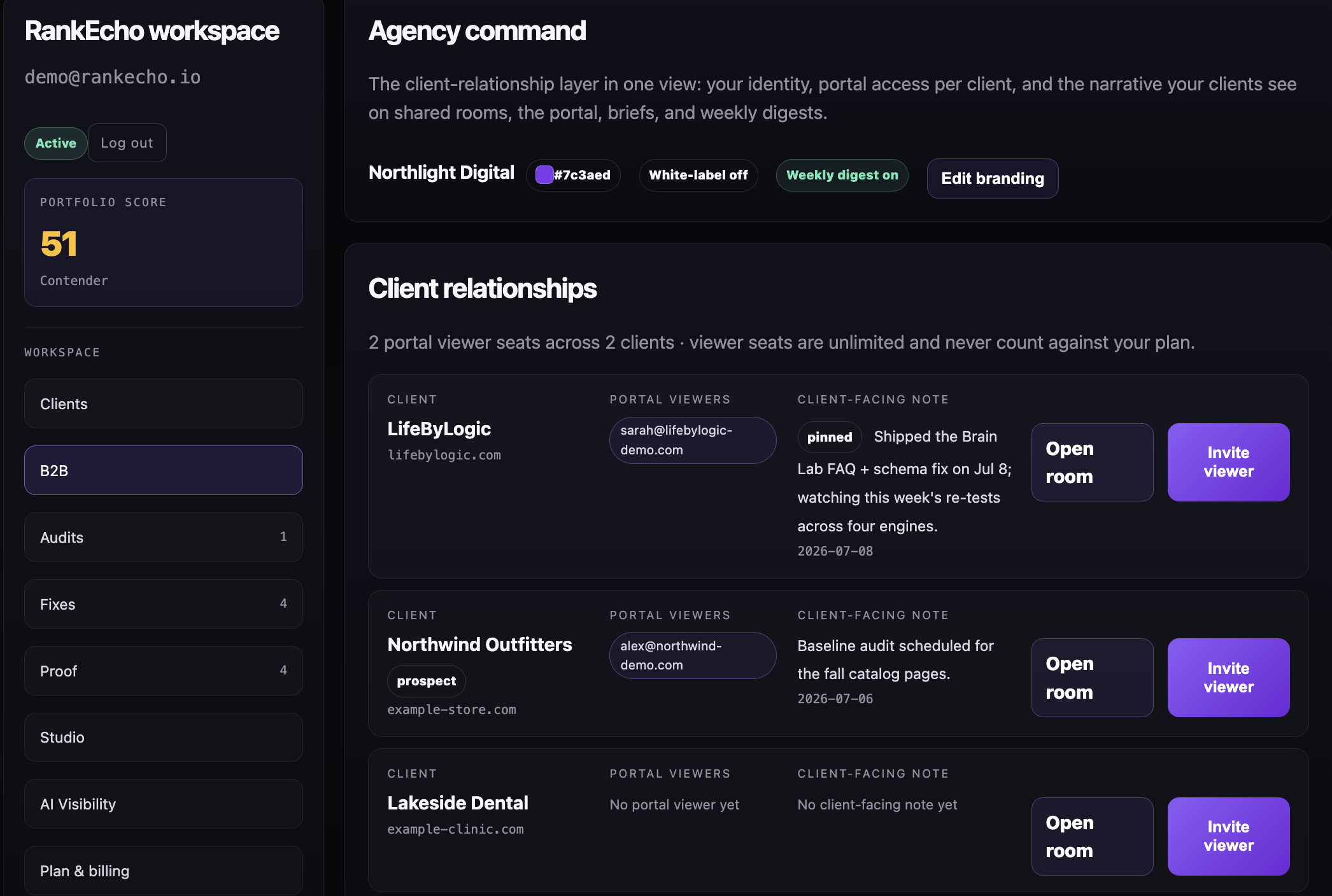
Add a client and open their room
Create a client from the B2B tab and RankEcho scaffolds a dedicated room: audits, gaps, fixes, and tracked prompts scoped to that domain, separate from every other account.
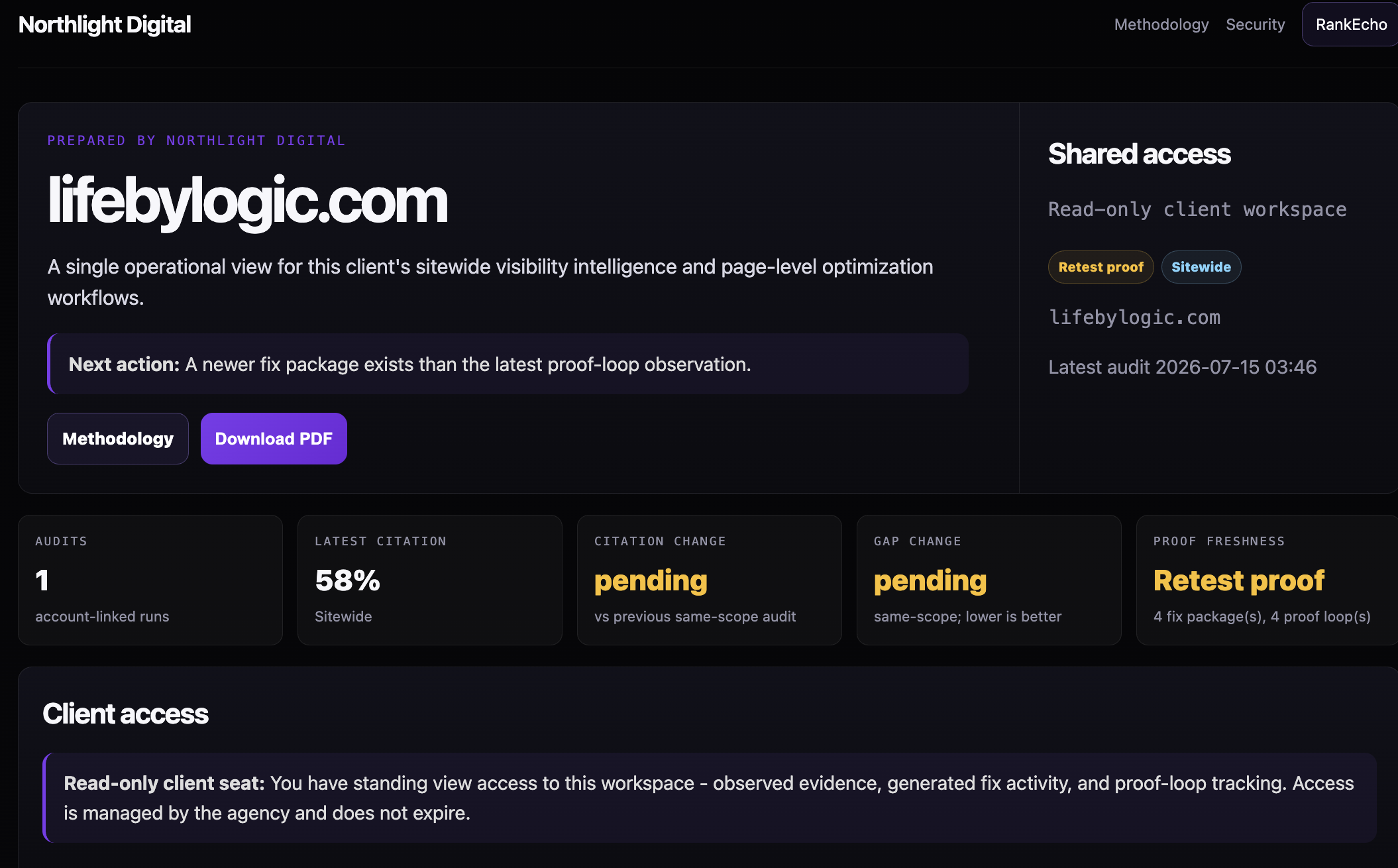
Apply white-label branding
Set the client-facing logo, accent, and sender identity once. Client rooms, share links, digests, and exported reports carry the brand you choose - yours or theirs.
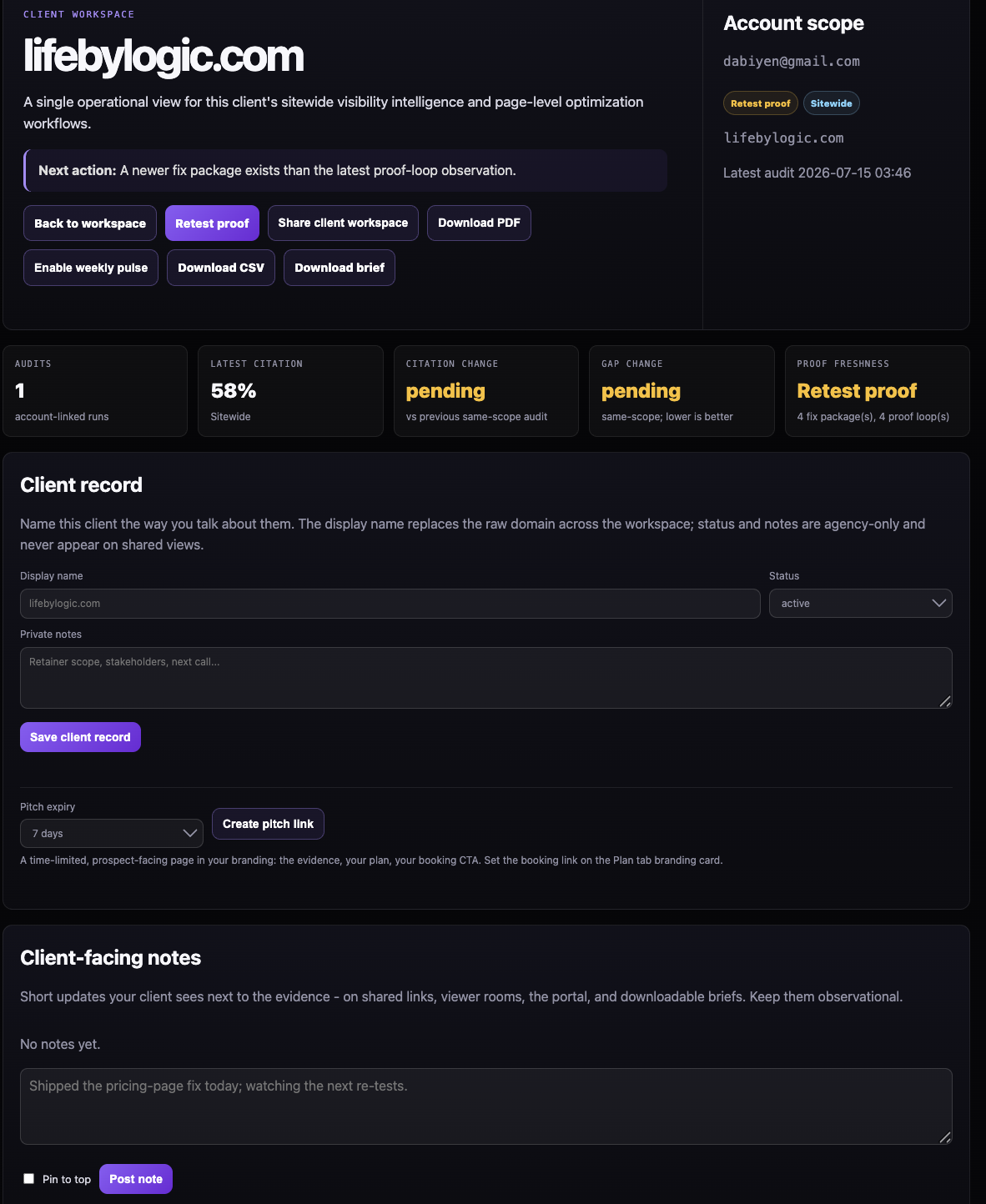
Pitch with a live page, not a deck
Generate a pitch page for a prospect: their current AI visibility, the competitors engines recommend instead, and the plan. Send one link that keeps itself up to date.
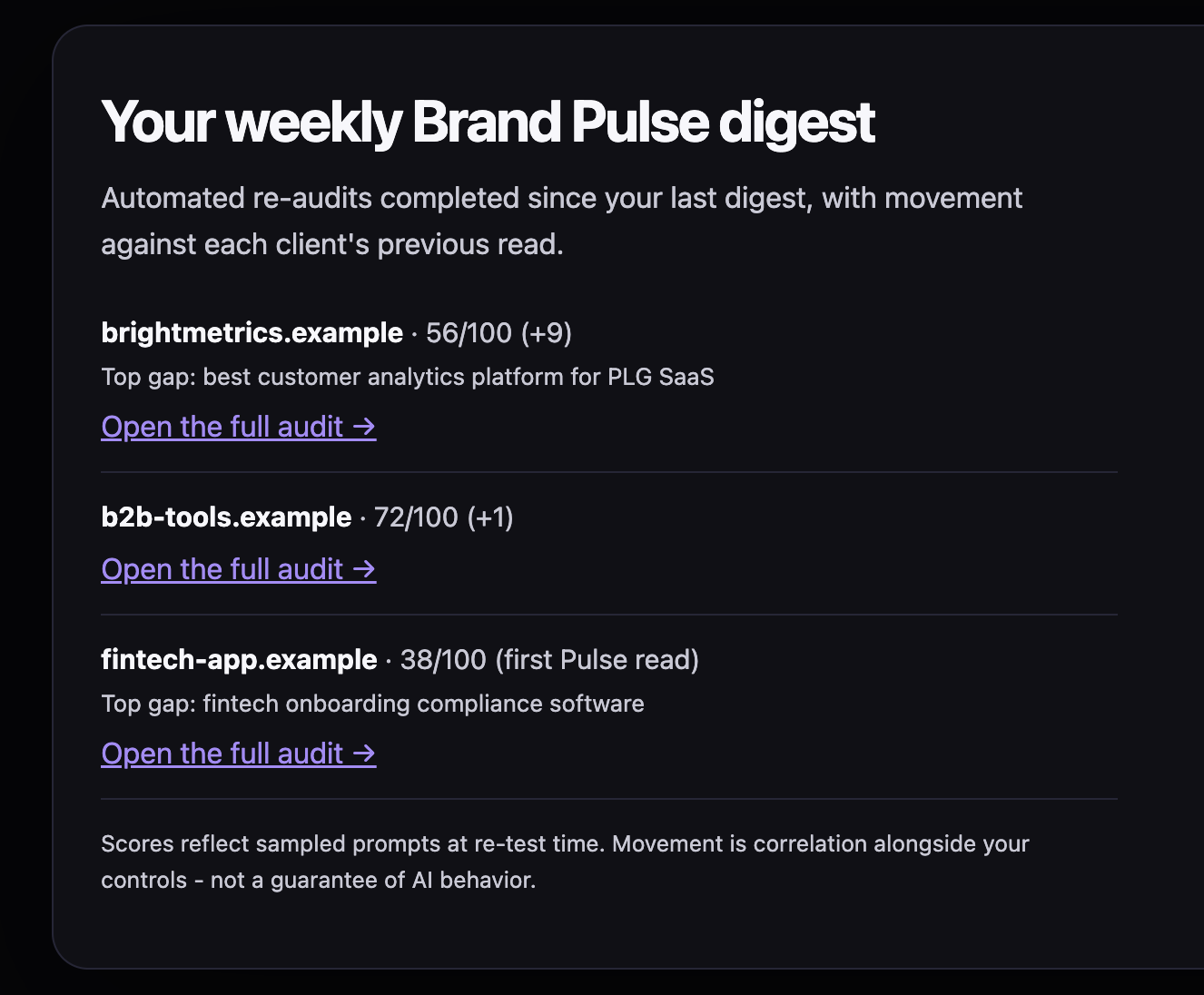
Report with proof on a schedule
Weekly digests and portfolio views roll every client into one report: what shipped, what got cited, and what moved - backed by the proof loop, not vibes.
Who the Command Center is for
Agencies running AI visibility as a service, in-house teams managing multiple brands or regions, and consultants who need client-ready reporting without rebuilding it per account.
Every client is isolated: their audits, fixes, tracked prompts, and history live in their own room, and access can be shared without exposing the rest of your book.
Portfolios: one playbook, every client
Prompt portfolios let you define a battery once - category, alternative, comparison, and use-case prompts with placeholders - and fan it out across clients. New client, same playbook, minutes not days.
Portfolio views then compare movement across the book, so you can see which clients are winning citations and which need the next fix cycle.
Reporting that survives scrutiny
Client reporting exports carry the same evidence rules as the product: baselines, observed rates, repeat counts, and limitations. When a citation lands after a shipped fix, the report shows the dated sequence.
That is the difference between claiming credit and demonstrating it - and it is why proof-based reporting retains clients.
How it fits Find, Fix, Prove
The Command Center is not a separate product - it is the same closed loop, multiplied. Audits find the gaps per client, the Fix Engine ships the artifacts, and the Proof Loop re-tests every tracked prompt on schedule.
Everything below one level of navigation: client room, gap, fix, proof.
Frequently asked questions
No. Every client room is isolated - audits, fixes, tracked prompts, and reports are scoped per client, and share links expose only that client's room.
Yes. Digest emails, share pages, pitch pages, and exported reports carry the branding you configure per client - logo, accent, and sender identity.
You define a prompt battery once with placeholders like the client name or category, then fan it out. Each client gets the substituted prompts tracked in their own room.
Yes. Reports include baselines, observed rates, repeat counts, and limitations from the Proof Loop, so movement after a shipped fix is documented as a dated sequence rather than a causal claim.